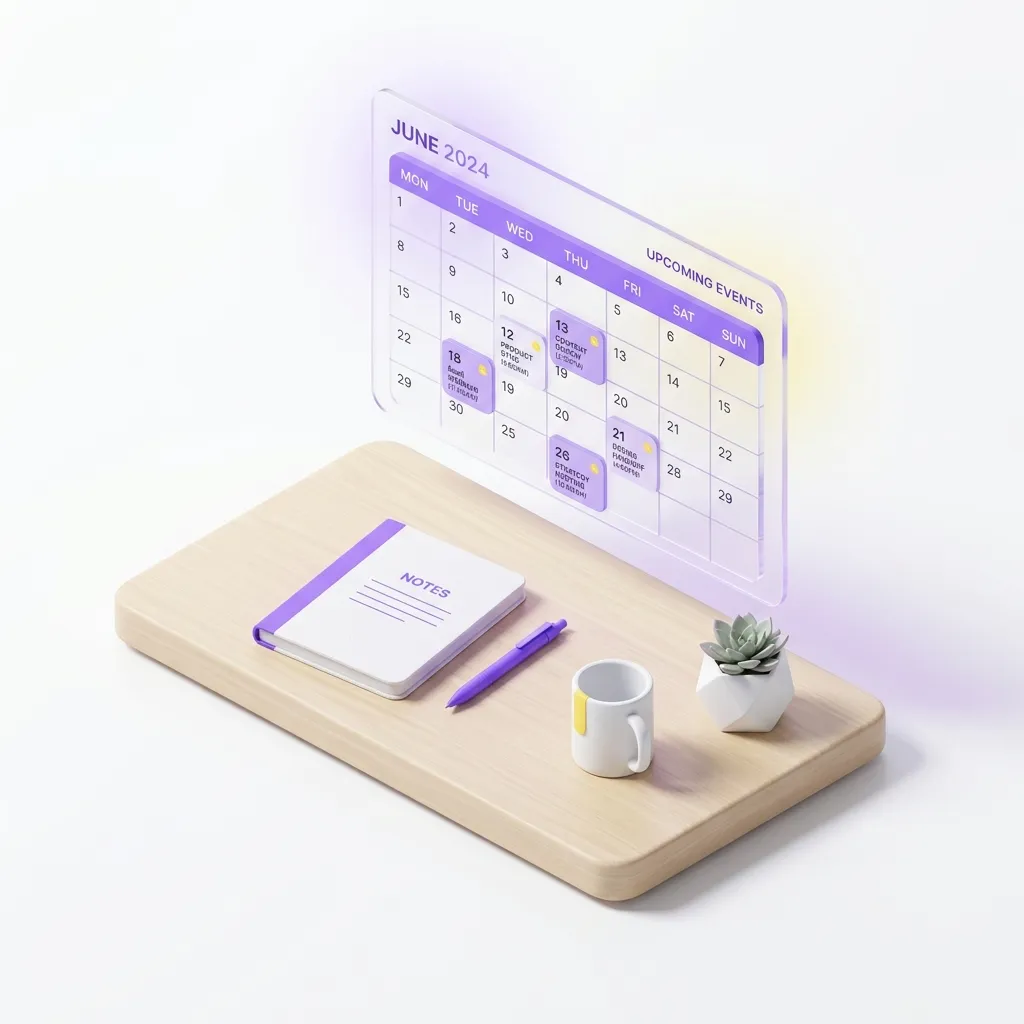
Between soccer practices, late work meetings, dentist appointments, and grocery runs, managing a household schedule in 2026 can feel like running an air traffic control tower.
If your family currently relies on scattered text messages, sticky notes on the fridge, and the phrase "I thought you were picking them up?!", it is time for a systemic upgrade.
Here are the modern best practices for syncing family schedules and eliminating chaos.
The Core Rule: If It Impacts Time, It Goes on the Calendar
The biggest mistake households make is treating their shared calendar as a "special events only" board.
To truly eliminate the mental load of scheduling, you must adopt The Everything Rule. If an event impacts the family's time or logistics, it goes on the calendar. This includes: - Homework-heavy nights - "Rest days" or blocked-out family time - Who is cooking dinner - Early school dismissals
Centralizing all information means no one has to play the "sole keeper" of the family schedule.
Best Practices for Shared Calendars
1. Color-Code by Member
A shared calendar can quickly become a sea of overwhelming text. The easiest fix is color-coding. Assign a specific, permanent color to each family member. - Mom: Blue - Dad: Green - Kid 1: Orange - Kid 2: Purple
Use a distinct, bright color (like Red or Yellow) exclusively for "Whole Family" events to make them stand out instantly.
2. Avoid "Importing" (Use Real Sync)
A common pitfall is simply importing a static URL of someone's work calendar. This often means updates won't reflect in real-time. Ensure you are using true shared calendars with two-way sync, so if a meeting runs late, the entire family sees the update immediately.
3. The Sunday Sync Meeting
Even with a perfect digital system, humans need to talk. Spend exactly 10–15 minutes, ideally on Sunday evenings, to review the upcoming week. Use this time to confirm logistics: - Who is driving to soccer on Tuesday? - Are we eating out on Thursday? - Does anyone have a late meeting?
The DoneSpace Advantage
While Google Calendar or Apple iCloud are great, they are just calendars. They don't tell you who is making dinner or whose turn it is to take out the trash.
In DoneSpace, we integrate your calendar directly into your household dashboard. - Google Calendar Sync: Your family's events sync seamlessly. - Contextual Planning: Because the calendar is side-by-side with your meals and chores, you can plan effectively. (e.g., "Dad has a late meeting on Wednesday, so Mom is assigned to cook a 15-minute recipe from the meal bank.")
By centralizing your schedule, meals, and chores, DoneSpace ensures your family operates smoothly, without the endless group chats.
Related Reads (Internal Links)
- Take the stress out of chores by reading about The Psychology of Gamifying Household Chores.
- Coordinate better around dinner time using The Ultimate Guide to Shared Meal Planning.
![[2026] Meal Prep for Busy Roommates: A Survival Guide](/static/blog_meals.webp)
![The Psychology of Gamifying Household Chores [3 Scientific Rules]](/static/blog_gamify.webp)